
Names in context
Begin with common names, scientific names and recognised synonyms.
A free animal information utility
Start with an animal name. Explore classification, related animals and the sources behind their details. A free VISINVOKE utility for Windows and Android, with uncertainty and observation limits kept in view.

Animal information with context
A free utility for exploring animal records while keeping source context in view.
Begin with common names, scientific names and recognised synonyms.
Review the selected record’s place in Animalia.
Keep provider, licence and confidence information alongside details.
Use missing or conflicting information as a reason to inspect the source.
Compare with source context
This editorial illustration introduces animal comparison; it is not an application screen or provider evidence.
Review shared fields and the sources behind them. Keep missing, incompatible or conflicting information explicit.
Use classification context to decide which records make a useful comparison.
From a name to an informed comparison
Follow a name through classification, sources and careful comparison.
Start with a common or scientific animal name.
Review matched names and classification context.
Explore sourced details, available licensed imagery and optional observation patterns.
Align shared fields, retain uncertainty and keep useful local favourites.
Animal discovery tools
Start with names, compare evidence and keep useful records close.
Search starts with common names, scientific names and recognised synonyms.
Review the selected record’s scientific name and classification context.
Review provider, licence, confidence and conflict information alongside sourced details.
Compare shared fields and keep missing or incompatible information explicit.
Review available provider media with its source and licence information.
Review coarse recorded-observation patterns rather than exact animal locations or a species range.
Return to favourites kept locally on your device.
Free Windows and Android access stays within the VISINVOKE product host.
Different evidence, kept in context
Consider the taxonomy foundation and the sources that add detail.
A packaged Animalia taxonomy foundation for local name and classification discovery.
Taxonomy and recorded-observation context, with coarse location presentation.
Additional structured information where an attributable source contributes useful detail.
Available licensed media with provider and licence information.
Local favourites and deliberate discovery
The utility combines local taxonomy discovery with sourced enrichment.
Search the packaged taxonomy foundation on your device.
Review additional information when an attributable provider can contribute it.
Keep useful favourites locally for later discovery.
A local foundation does not mean every provider record or image is available offline.

A wider animal world
Search common and scientific names, then inspect classification and sourced detail.
Review available licensed imagery and coarse recorded-observation patterns.
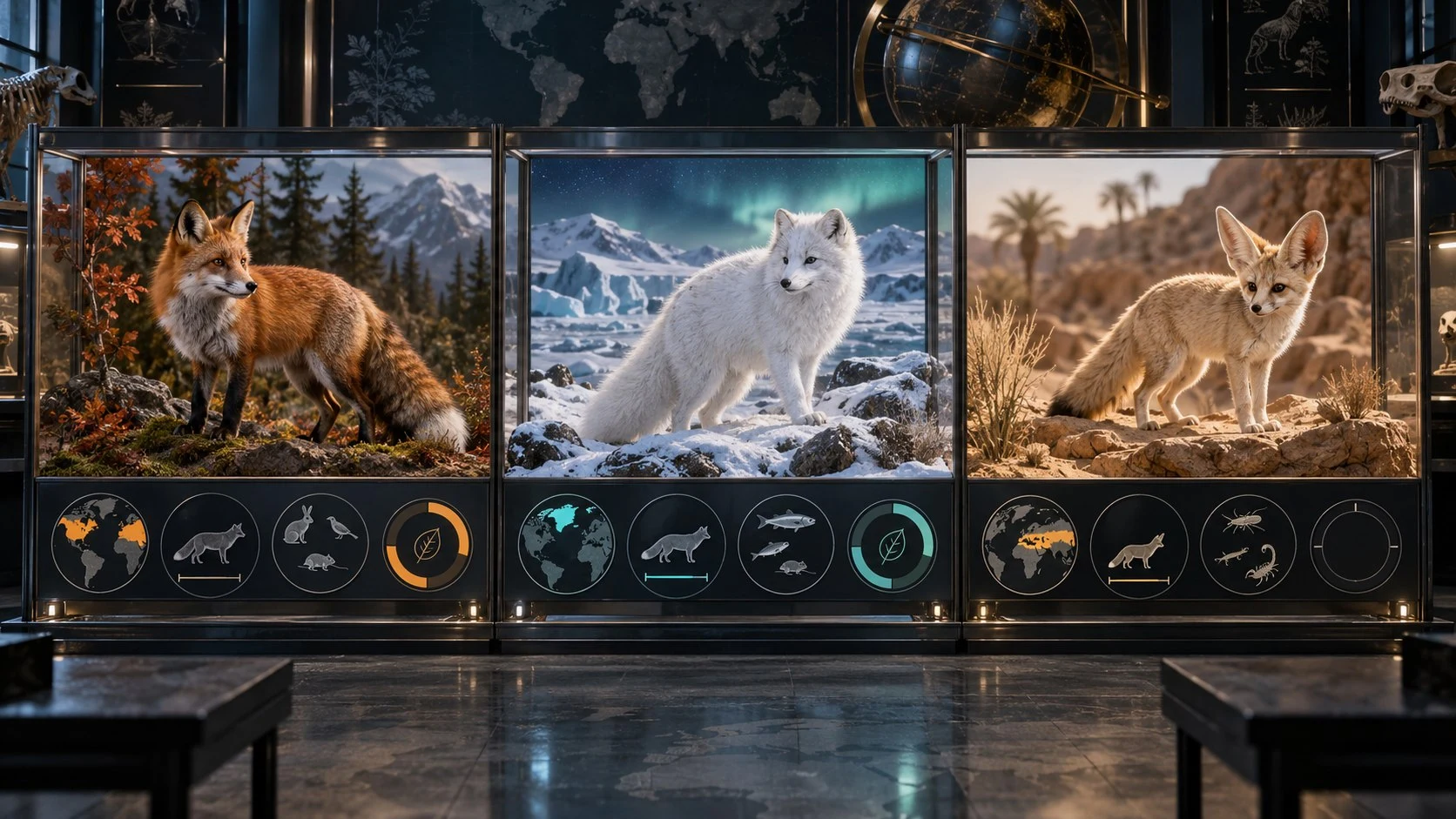
This wildlife artwork is editorial illustration, not provider media, a product screen or live output.
Use the information within its limits
Animal Explorer’s discovery role has clear boundaries.
Search animal names and records; this is not a photo-identification tool.
Recorded observations are not a species range or exact animal locations.
No medical, veterinary or conservation-status advice is offered.
Explore Animal Explorer through VISINVOKE on Windows and Android.
Free access
A free utility for animal names, classification and sourced information.
Animal Explorer is a free information utility with a VISINVOKE account.
Explore animal names and records through Desktop Command Centre on Windows.
Explore animal names and records within VISINVOKE on Android.
Create a free VISINVOKE account for Animal Explorer and the wider product collection.
VISINVOKE means value
A focused utility for animal information discovery.

Begin with an animal name rather than scattered search results.
Consider classification, provider and licence information together.
Leave unknown or incompatible information visible.
Keep useful records close while respecting provider and offline limits.
Explore the VISINVOKE collection
Each card opens its own product website. Review purpose and access separately; related products do not promise included access or automatic synchronisation.

Explore your VISINVOKE products from Windows.

Explore separate local file conversion.

Explore separate image preparation tools.

Explore separate backup and recovery preparation.

Explore separate professional image creation.

Explore separate fantasy image creation.
Website artwork is approved editorial illustration, not application screens, provider evidence or live product output.
Quick answers
Understand access, sources, comparisons and information limits.
Animal Explorer is a free VISINVOKE utility for exploring animal names, classification, related animals and sourced information. This website introduces the product; it is not a browser version of the application.
Animal Explorer is a free VISINVOKE utility for Windows and Android, with a VISINVOKE account.
Taxonomy discovery begins with a packaged Catalogue of Life Animalia foundation, with separate GBIF, Wikidata and Wikimedia Commons information. Review the provider, licence, confidence and any conflicting information for the record you are exploring.
Comparison aligns shared fields between related animals, leaving missing or incompatible evidence explicit. Favourites stay locally on your device; provider enrichment is not a complete offline animal library.
No. Recorded observations show where observations have been recorded, not a species range. Observation views use coarse cells and additional generalisation for sensitive records rather than precise animal locations.
Animal Explorer is not a photo-identification tool. It does not provide medical, veterinary or conservation-status advice. Use source information and its limits as context, and keep missing evidence unknown.
Continue in VISINVOKE
Create a free VISINVOKE account and explore the wider product collection.
Explore animal names, classification and sources through VISINVOKE on Windows and Android.